Samsung Frame TV Installation in Houston
The Frame looks its best when it sits flush against the wall with the cables kept out of sight. We use the slim in-box bracket, route the cable neatly, and help you set up Art Mode before we leave.
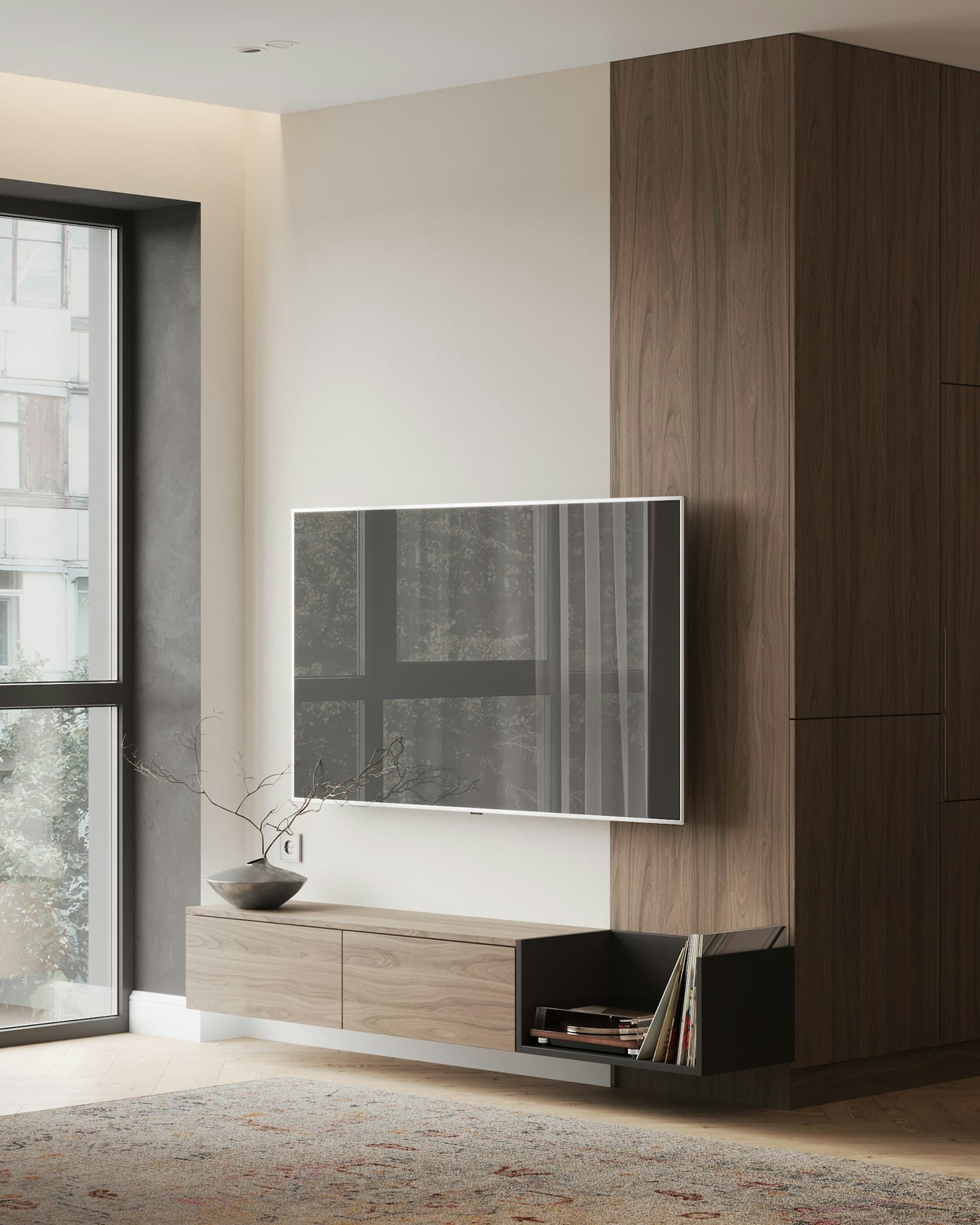
How we install a Samsung Frame TV
- 01
Zero-gap bracket
We install the slim mount that comes with your Samsung Frame. Using it adds $25 to your price, and it gives the TV its clean, picture-frame look.
- 02
One Connect box, hidden
The Frame uses one thin cable to connect to its One Connect box. On drywall, we can run that cable inside the wall to a console or closet for $75, or mount the One Connect box itself behind the TV for $350. On brick or stone, a paintable channel is $25.
- 03
Art Mode set up
We adjust the brightness, color tone, and motion settings so Art Mode looks natural during the day and is comfortable at night.
- 04
Magnetic frame put on straight
If you bought the magnetic bezel (the frame border), we put it on and check that the corners sit straight.
Samsung Frame TV installation cost
Flat-rate price list · Houston
Same prices as the booking form
Price by TV size
TV size
Up to 32"
$139
TV size
33" to 59"
$149
TV size
60" to 69"
$159
TV size
70" to 85"
$189
TV size
86" to 97"
$229
TV size
98" and up
$290
Each price is one TV on drywall, screwed into the studs, set level, with the cables tidied below it. Wall type and wires are below. Brackets, extras and other charges are on the full price sheet.
Wall type
Drywall
Included. Screwed into the studs, never into drywall alone.
included
Metal studs (high-rises)
No extra charge. We use anchors made for metal studs.
included
Above a fireplace
Built-in fireplaces only, not electric wall units. We check the heat before drilling.
+$30
Brick
Anchored into the brick itself, not the mortar.
+$35
Outdoor or stucco
We seal every hole and use weather-rated hardware.
+$45
Uneven stone or tile
Special drill bits, dust cleaned up, mount set level.
+$50
Wires
Wires hidden inside the wall
Drywall only, not above a fireplace. A safe in-wall power kit, with the cables run inside the wall.
+$75
Wires in a paintable channel
A slim cover on the wall surface, for brick, stone and walls where wires can’t go inside.
+$25
Wires hang under the TV
Nothing extra. Cords tidied and bundled below the screen.
included
Samsung Frame TV add-ons
Samsung Frame in-box bracket
The slim mount that comes with your Frame TV.
+$25
Samsung Frame One Connect box behind the TV
For Frame TVs on drywall. We mount the One Connect box behind the TV.
+$350
Prices before 8.25% sales tax. Some ZIPs farther from central Houston add a $50 to $100 travel fee.
You see the full total before you confirm your booking. Your card is saved when you book and charged after the work is done.
Other TV services
Fireplace mounting
The right anchors for brick and stone, a heat check before drilling, and a comfortable viewing angle.See how it is doneWire concealment
An outlet behind the TV and the cables run inside the wall, so nothing hangs below the screen.See how it is doneSoundbar & home theater
Soundbar centered and connected, speakers placed, and everything set up to work together.See how it is doneFull price sheet
Every H-Town TV Mounting price on one sheet.See the sheet
Houston neighborhoods we serve
Book Samsung Frame TV installation
Pick your Frame size and options, choose an arrival window, and see the full total before you confirm.
Samsung Frame TV questions
Do you use the bracket that comes with the Frame?
Yes. We use the slim-fit bracket that comes with the Frame for the flush, picture-frame look. A tilting or full-motion bracket can also be used, but it will not sit as close to the wall.
Can the One Connect box be hidden completely?
On drywall, yes. Running the One Connect cable inside the wall to your console is $75. Mounting the One Connect box itself behind the TV is $350 (drywall only). On brick or stone, we use a paintable channel for $25.
Can you mount a Frame above a fireplace?
Yes. We can mount a Frame above a fireplace, as long as the location is suitable for the TV. Add the fireplace and wall-type options to your TV size and you’ll see the total before you book.
How long does a Frame install take?
About an hour and 15 minutes for a drywall installation with in-wall cabling. Art Mode setup is included in that time.